Orders & invoices · No. 01
PDF Invoice Maker for Shopify
Branded PDF invoices with exact totals and sequential numbers.
- Plans
- Free · Unlimited $12
- Billing
- Through Shopify, in USD
- Launched
- November 2026
Overview
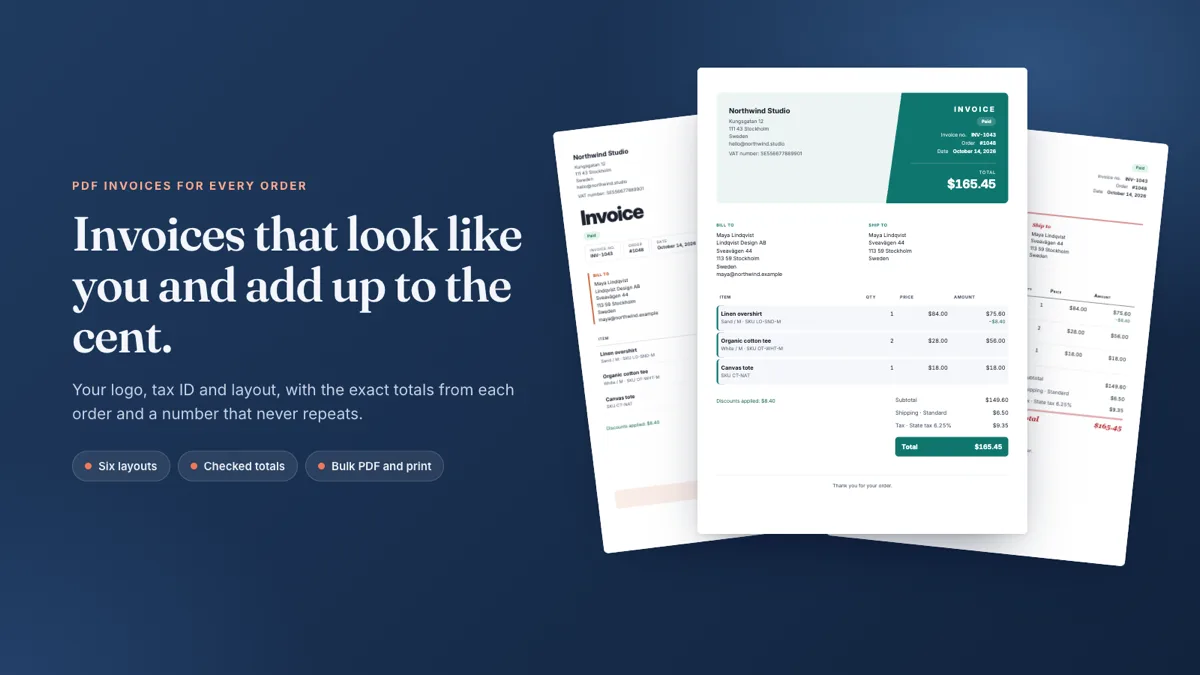
Branded PDF invoices for every order, with your logo, tax ID and the exact totals from each sale.
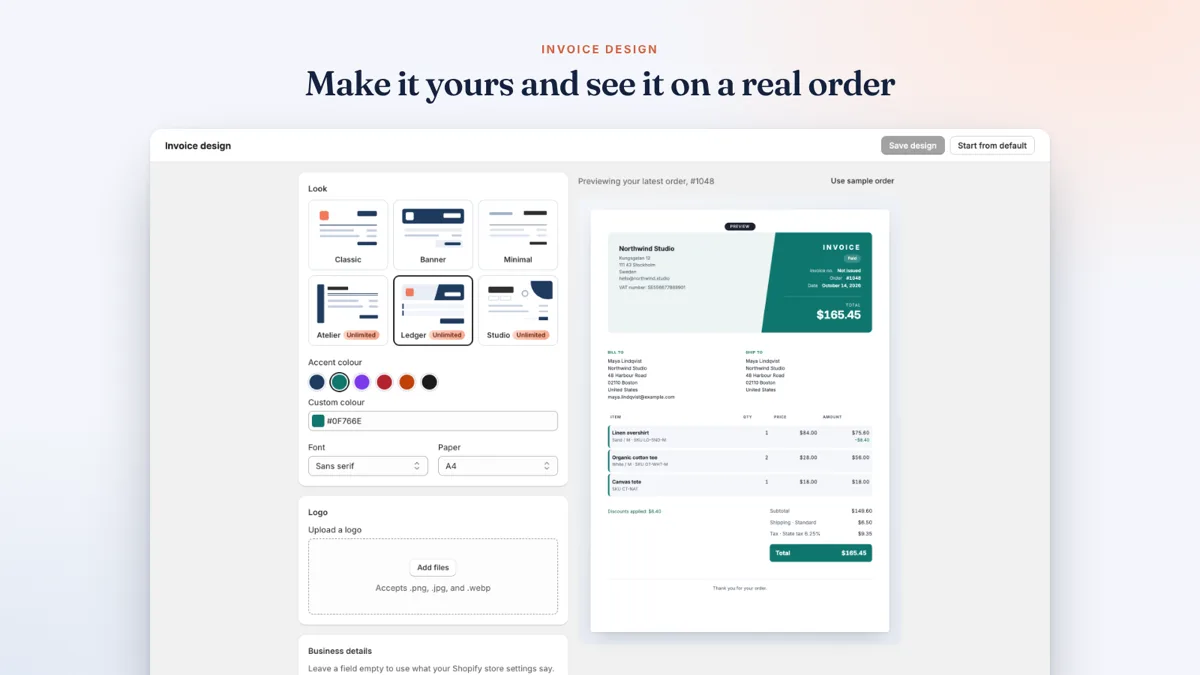
Give every order an invoice that looks like your business and adds up to the cent. Pick a layout, add your logo, business details and tax ID, rename any label and watch it update on a real order.
Before an invoice gets its number, the app checks it against the totals Shopify recorded. Once issued it is locked, so every reprint matches the first copy. Print from any order page or from a selection in your order list, or download PDFs one by one or in bulk.
What it does
- Visual designer with six layouts, your logo, colours, tax ID and every label
- Amounts come straight from Shopify and are checked before an invoice is issued
- Sequential invoice numbers with your own prefix, never reused or skipped
- Print from the order page, or many orders at once from the order list
- Issued invoices stay locked, so every download matches the first copy
How to
How to create PDF invoices for Shopify orders
- Install PDF Invoice Maker from the Shopify App Store and open it from Apps in your Shopify admin. Home shows a short setup guide.
- Choose a plan. Free covers 10 invoices a month with the Classic, Banner and Minimal layouts. Unlimited adds Atelier, Ledger and Studio.
- Open Invoice design. Pick a layout and accent colour, upload your logo, fill in your business details and tax ID, then press Save design. The preview uses your latest order.
- Open Invoices, find an order, compare the preview with the order and press Issue invoice. It gets the next number, INV-1001 by default, and Download PDF appears.
- To work in bulk, tick several orders to issue them together or download their PDFs in one file. You can also open any order in Shopify and choose More actions to print its invoice.
Plans
Simple, flat pricing.
Free
- 10 invoices a month
- Classic, Banner and Minimal layouts
- Logo, business details and tax ID
- Print and bulk PDF download
Unlimited
- Unlimited invoices
- All six layouts, including Atelier, Ledger and Studio
- Logo, business details and tax ID
- Print and bulk PDF download
Billed in USD through Shopify every 30 days. Check the App Store listing for current pricing. Privacy policy.
Questions
PDF Invoice Maker FAQ
Can I add my logo and tax ID to Shopify invoices?
Yes. Upload your logo, fill in your business details and tax or VAT number, pick colours and a font, and rename any label. The preview updates on one of your real orders.
Do the invoice totals match Shopify exactly?
Yes. Amounts come straight from the order, and before an invoice is numbered the app checks it against the totals Shopify recorded, including discounts, shipping and tax.
Are invoice numbers sequential?
Yes. Each issued invoice gets the next number with your own prefix. Numbers are never reused or skipped, and an issued invoice is locked so reprints match the first copy.
Can I print or download invoices in bulk?
Yes. Select orders in your Shopify order list and print them together from the Print menu, or download the PDFs one by one or in bulk.
What does PDF Invoice Maker do?
Branded PDF invoices for every order, with your logo, tax ID and the exact totals from each sale. Give every order an invoice that looks like your business and adds up to the cent. Pick a layout, add your logo, business details and tax ID, rename any label and watch it update on a real order.
How much does PDF Invoice Maker cost?
PDF Invoice Maker has 2 plans: Free (free), Unlimited $12/month. Billing runs through Shopify in USD.
Does PDF Invoice Maker have a free plan?
Yes. The Free plan includes: 10 invoices a month, Classic, Banner and Minimal layouts, Logo, business details and tax ID, Print and bulk PDF download.
How do I install PDF Invoice Maker?
Install it from its Shopify App Store listing at apps.shopify.com/pdf-invoice-maker-understory. Shopify handles the install and the billing.
Who makes PDF Invoice Maker and how do I get help?
PDF Invoice Maker is made by Understory, an independent Shopify app developer. Email support@understoryapps.com for help.
More from Understory
Pairs well with
-

 Offers & promotionsNo. 02
Bundles & BOGO
Bundles, BOGO and free gifts that apply on their own.
Free plan available -
 Product pagesNo. 03
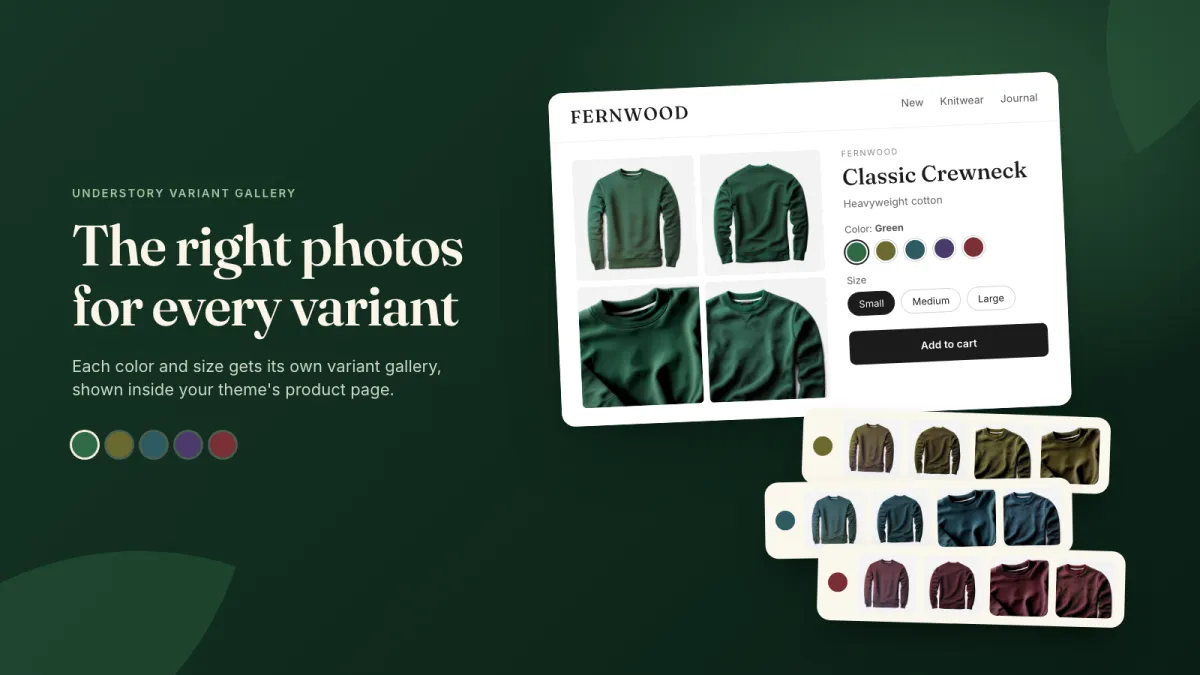
Variant Gallery
The right photos for every color and size.
Free plan available -
 Product pagesNo. 04
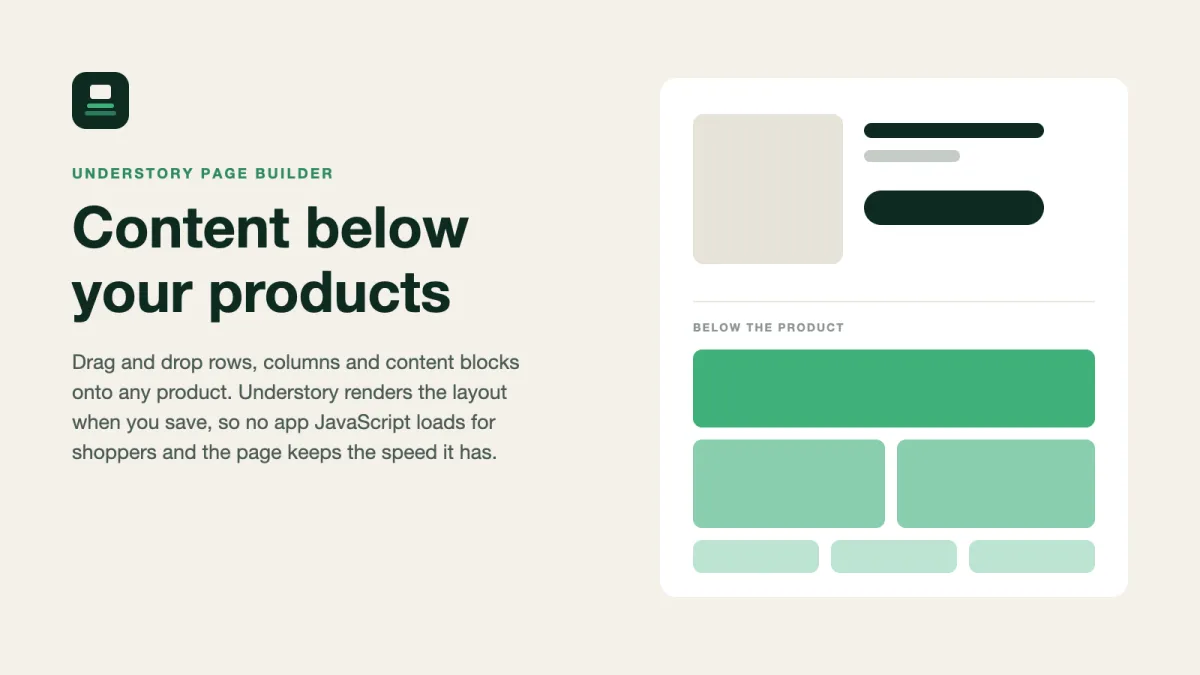
Page Builder
Product page content blocks that add no storefront JavaScript.
Free plan available
Talk to a human
Questions, ideas, or a feature you wish existed?
Every message is read and answered by the people who build the apps, usually within one working day.
Prefer email? support@understoryapps.com